
sports equipment printing helps brands and manufacturers create durable, high-resolution decoration with flexible direct UV technology.
Turn Long, Curved Sports Equipment into Branded, High-Value Products
Raycolor cylinder UV printing solutions help sports equipment manufacturers print full-color logos, patterns, names, serial data, and limited-edition artwork directly onto fishing rods, hiking poles, billiard cues, golf shafts, and other cylindrical or tapered components.
Four High-Value Sports Equipment Applications
One flexible digital workflow can support multiple product lines. Select an application below to see the printing challenges, production opportunities, and recommended process for each product.
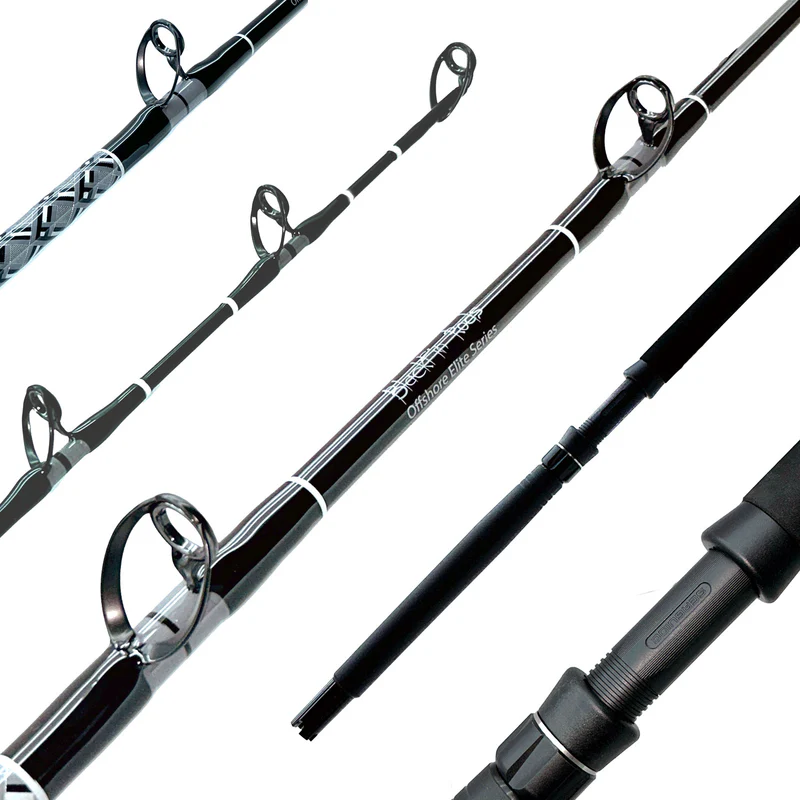
Fishing Rod Printing
Create seamless graphics on carbon fiber, fiberglass, composite, and coated rod blanks for OEM branding and premium custom series.
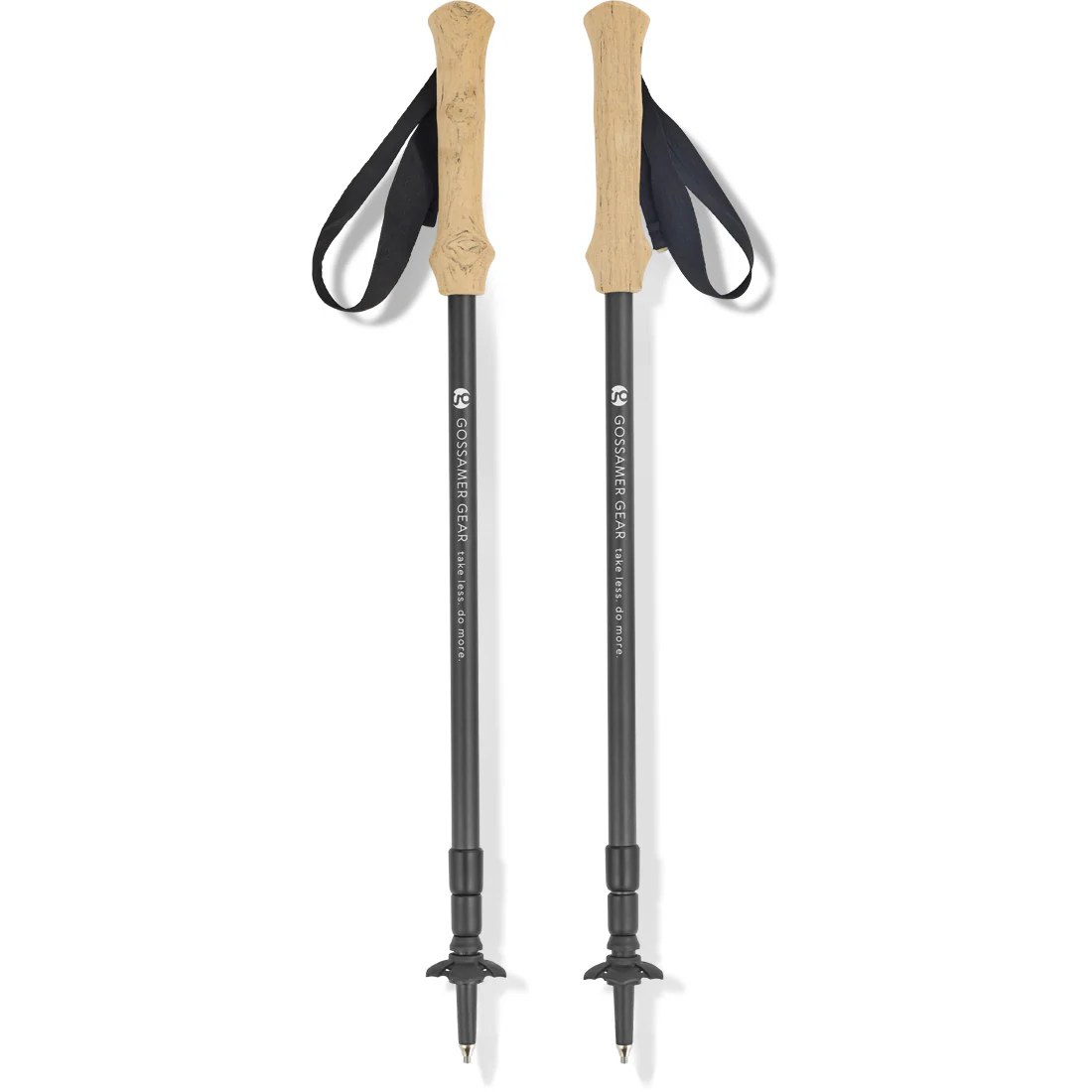
Hiking Pole Printing
Print brand graphics and custom artwork on aluminum, carbon fiber, telescopic, and slightly tapered trekking pole shafts.
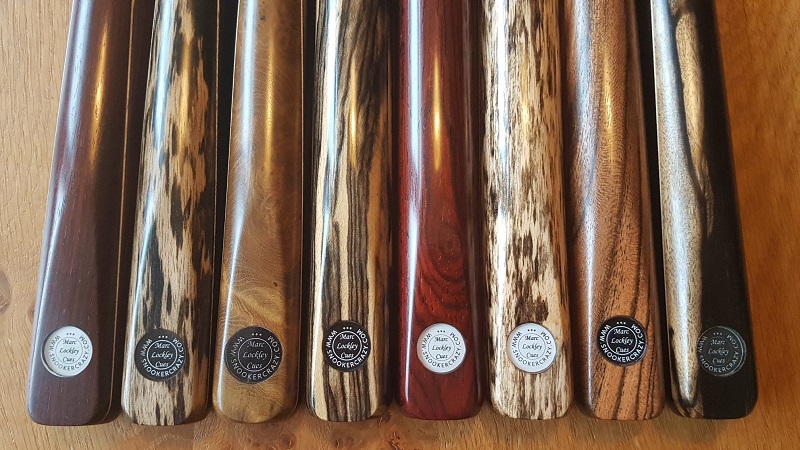
Billiard Cue Printing
Produce signature cues, club branding, collector artwork, personalization, and premium varnish effects without traditional decals.
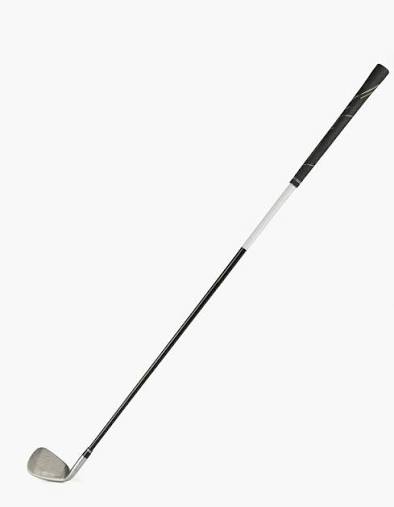
Golf Club Printing
Decorate golf shafts with player names, tournament identities, country graphics, sponsor logos, and limited-edition collections.
Why Traditional Decoration Methods Limit Sports Equipment Customization
Long, round, and tapered products create registration, durability, and production-efficiency problems that flat printing technologies were not designed to solve.
What a Dedicated Cylinder UV Printer Adds to Your Production Line
Printable Materials and Surface Preparation
Adhesion depends on the exact coating, surface energy, ink system, and end-use requirements. Raycolor recommends testing real production samples before final equipment selection.
- Carbon fiber: fishing rods, golf shafts, premium trekking poles
- Aluminum: hiking poles, sporting tubes, structural components
- Fiberglass and composites: rod blanks and mixed-material sports products
- Painted or coated surfaces: decorative shafts and branded components
- Wood: suitable billiard cue sections and coated wooden parts
- Engineering plastics: cylindrical accessories and selected equipment components
- Primer or pretreatment: available when the substrate requires improved adhesion
- Protective topcoat: can be evaluated for high-abrasion or demanding outdoor use
From Product Sample to Stable Production
Evaluate
Confirm product length, minimum and maximum diameter, taper, material, coating, and print area.
Test
Run real samples to evaluate adhesion, color, detail, rotation accuracy, and required pretreatment.
Configure
Select the appropriate fixture, ink layers, print mode, artwork compensation, and machine size.
Approve
Review printed samples and perform the durability tests required by your market and end use.
Produce
Standardize positioning, job files, cleaning, quality inspection, and operator procedures.
How to Select the Right Printer Configuration
A correct machine recommendation starts with the product—not only the image you want to print.
Send Us Your Sports Equipment Samples
For a practical recommendation, send product photos, dimensions, material details, target output, and artwork. Raycolor can evaluate the application and help confirm the appropriate cylinder UV printer, fixture, ink process, and sample-printing plan.
Frequently Asked Questions
Can one cylinder UV printer handle fishing rods, hiking poles, billiard cues, and golf shafts?
Potentially, yes, when their dimensions, weight, taper, surface material, and fixture requirements fall within the selected machine configuration. Sample evaluation is necessary before confirming one setup for every product.
Can UV printing replace decals and water transfer printing?
For many direct-decoration and short-run applications, UV printing can reduce films, plates, and manual transfer steps. The best choice still depends on target cost, production volume, durability, and the exact product surface.
Is pretreatment required?
Some coated metals, plastics, composites, or low-surface-energy materials may require cleaning, primer, plasma treatment, or another adhesion process. Testing the actual substrate is the reliable way to determine preparation.
Can the printer handle tapered products?
Suitable configurations can compensate for changing diameters on products such as golf shafts or fishing rod sections. The allowable taper and printable geometry should be verified with dimensions and samples.
What information should I provide for a quotation?
Please provide product photos, material, total and printable length, minimum and maximum diameter, taper details, desired print effect, daily output, artwork, and any durability standards.
Sports Equipment Printing Checklist
Before production, confirm product material, diameter, printable length, surface coating, artwork coverage and required output. Test ink adhesion, registration, curing and abrasion resistance on the customer’s actual sample.
Is this suitable for short runs?
Yes. Digital artwork changes do not require printing plates, so multiple designs, seasonal packaging and limited editions can be produced efficiently. The same workflow supports prototypes before a larger order.
What should buyers evaluate?
Compare color, white ink opacity, varnish, seam alignment, cycle time and fixture stability. Industry resources from FESPA can help teams follow developments in digital printing.
