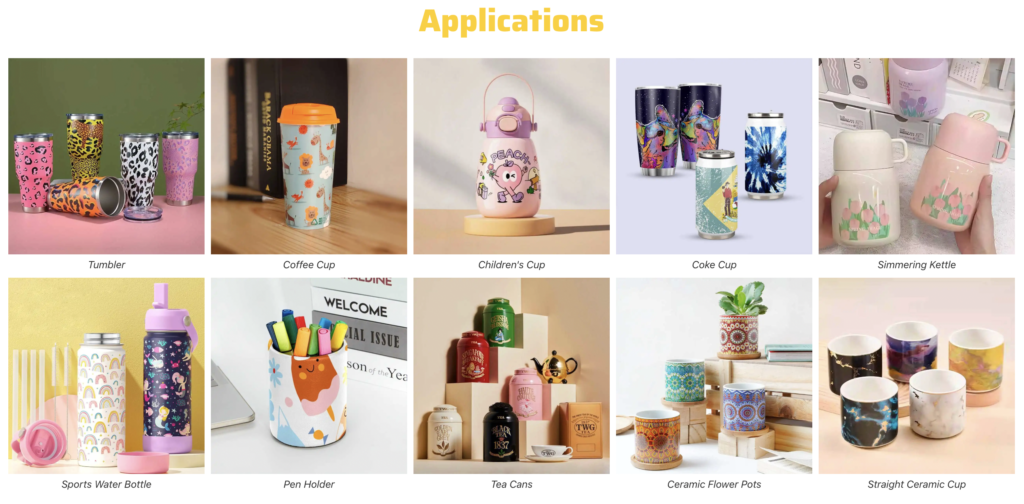
Cylinder UV printers create seamless 360-degree graphics on bottles, tumblers, cans, jars and tubes. Compare the three Raycolor systems below by product size, print volume, ink configuration and automation level.
Compare 3 Cylinder UV Printers
Choose a desktop, industrial or fully automatic 360-degree UV printing solution based on product size, taper, output target, printhead preference and automation needs.
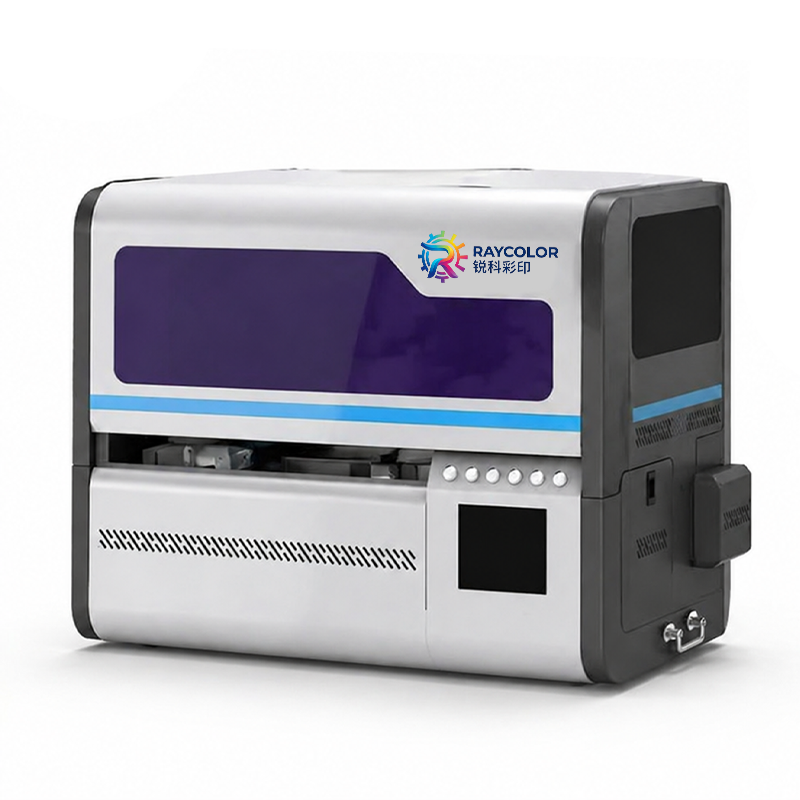
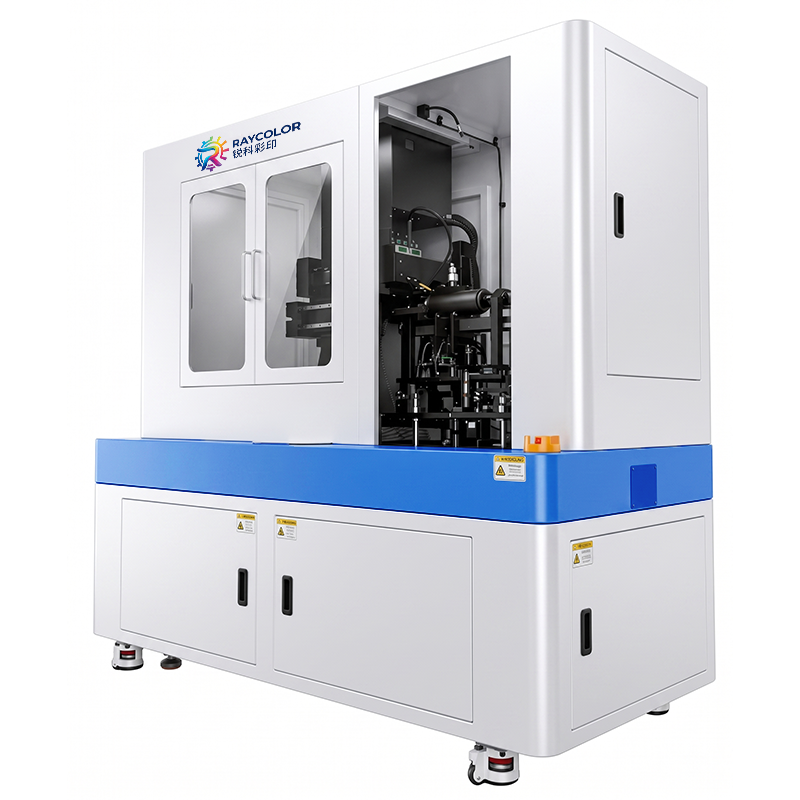
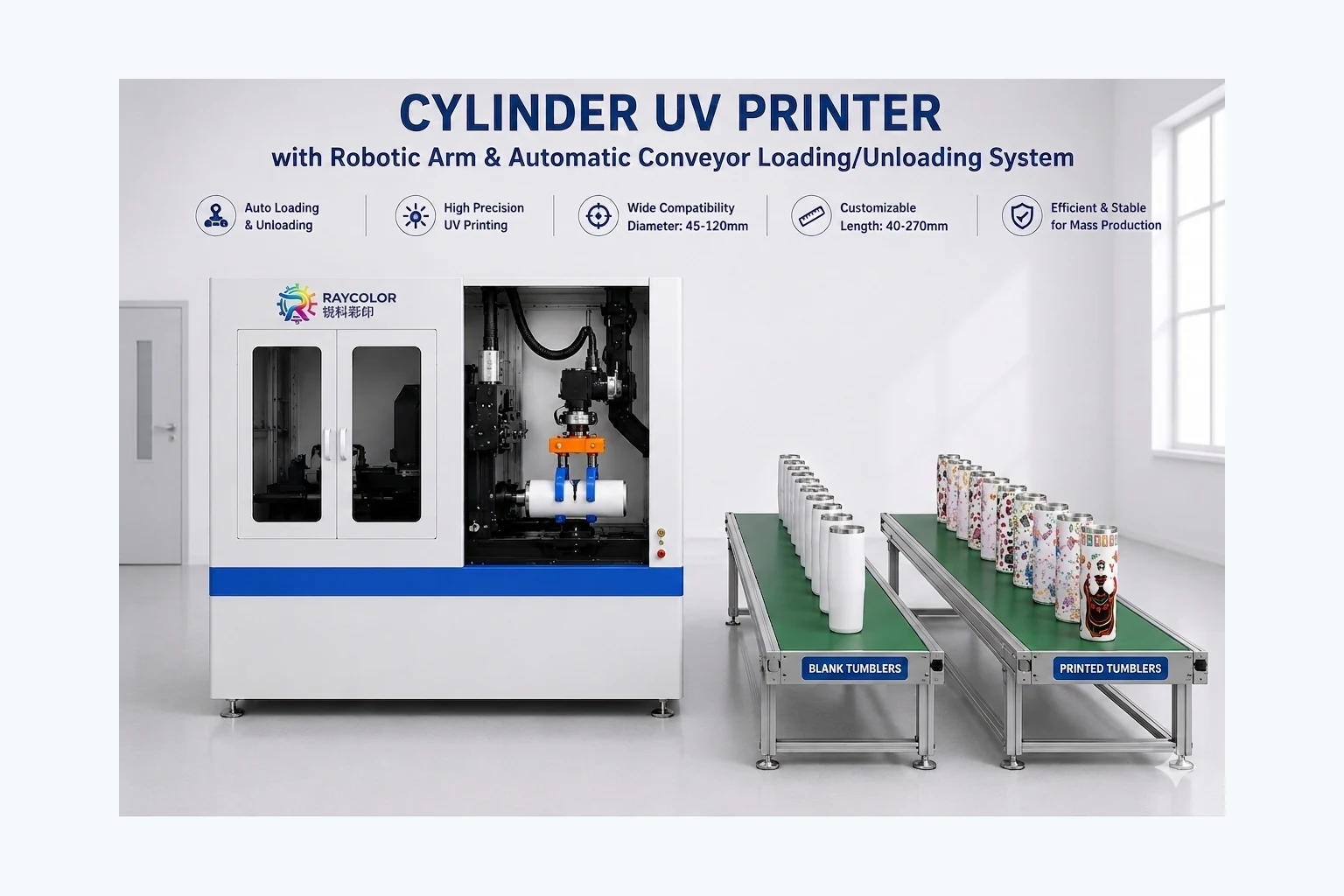
Which Model Fits Your Business?
The right machine is the one that has already proven it can print your actual products. Compare product range, output target and the level of automation required.
| Decision Factor | Desktop Model | Industrial Model | Automatic Model |
|---|---|---|---|
| Best for | Customization, short runs, mixed products | Higher output and repeat production | Continuous production with automatic handling |
| Workspace | Compact footprint | Larger production area | Production line space for robot and conveyors |
| Product handling | Manual loading | Manual or optional automation | Robotic loading and unloading |
| Ink configuration | CMYK + White + Varnish | CMYK + Lc + Lm + White + Varnish | CMYK + Lc + Lm + White + Varnish |
| Before you buy | Test product fit, adhesion and fixture | Test throughput, adhesion and fixture | Test full workflow, gripper, conveyor and output |
How to Choose Cylinder UV Printers
The best cylinder UV printers should match your real products, daily output and finishing requirements. Start with diameter, printable length and taper because these measurements determine whether the fixture can hold and rotate each item accurately. For mixed short runs, a desktop system offers a compact footprint and quick product changes. For repeat orders and higher output, an industrial configuration provides robust printheads, wider color options and stronger production stability.
Ink configuration also matters. White ink supports vivid color on dark or transparent objects, while varnish can add gloss, texture and selected effects. Adhesion depends on the material, surface coating and pretreatment, so a sample test should be completed before ordering. Raycolor can test your actual bottle, tumbler, can or jar and provide a printing video for evaluation.
Factories planning continuous production should evaluate the complete workflow, not only printing speed. Loading, unloading, fixture changes, curing, inspection and packing all affect real output. Automatic cylinder UV printers reduce manual handling with robotic loading and conveyor movement, while desktop and industrial models remain practical when operators need greater flexibility. Share your product samples and target quantity so our team can recommend a suitable configuration without oversizing the machine.
Request a Sample Print Before You Buy
Send your bottle, tumbler, can, jar, or tube for testing. We can help compare print quality, fixture fit, taper compensation, adhesion, and production workflow.
- Share material, diameter, length, taper, and target output
- Confirm printer configuration and fixture
- Review sample-print video and finished result
- Receive quotation, shipping, and support details
Common Applications
Get a configuration recommendation
Tell us what you need to print and your target output.